Help attendees find answers faster
Niro gives visitors quick, accurate answers about schedules, speakers, tickets, venues, sponsors, and event logistics, all from your approved event content.

The challenge
Your team should not have to answer
the same event questions all day
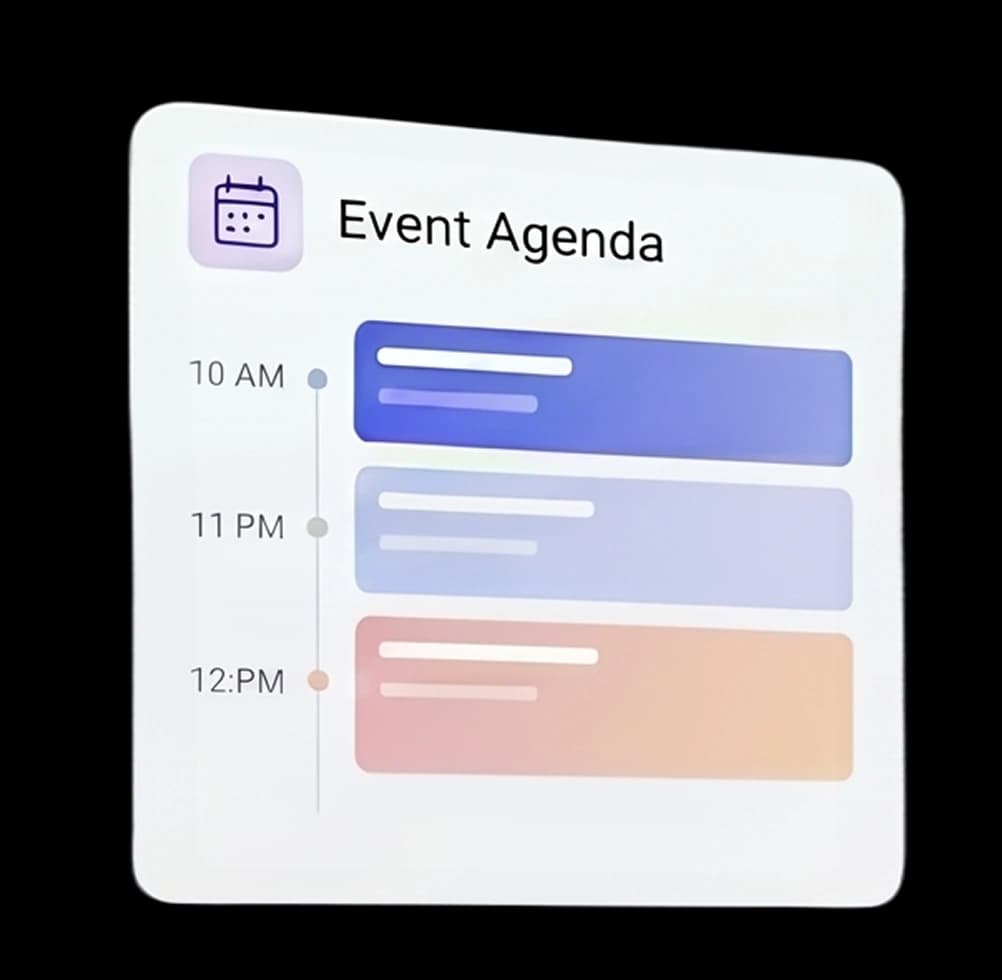
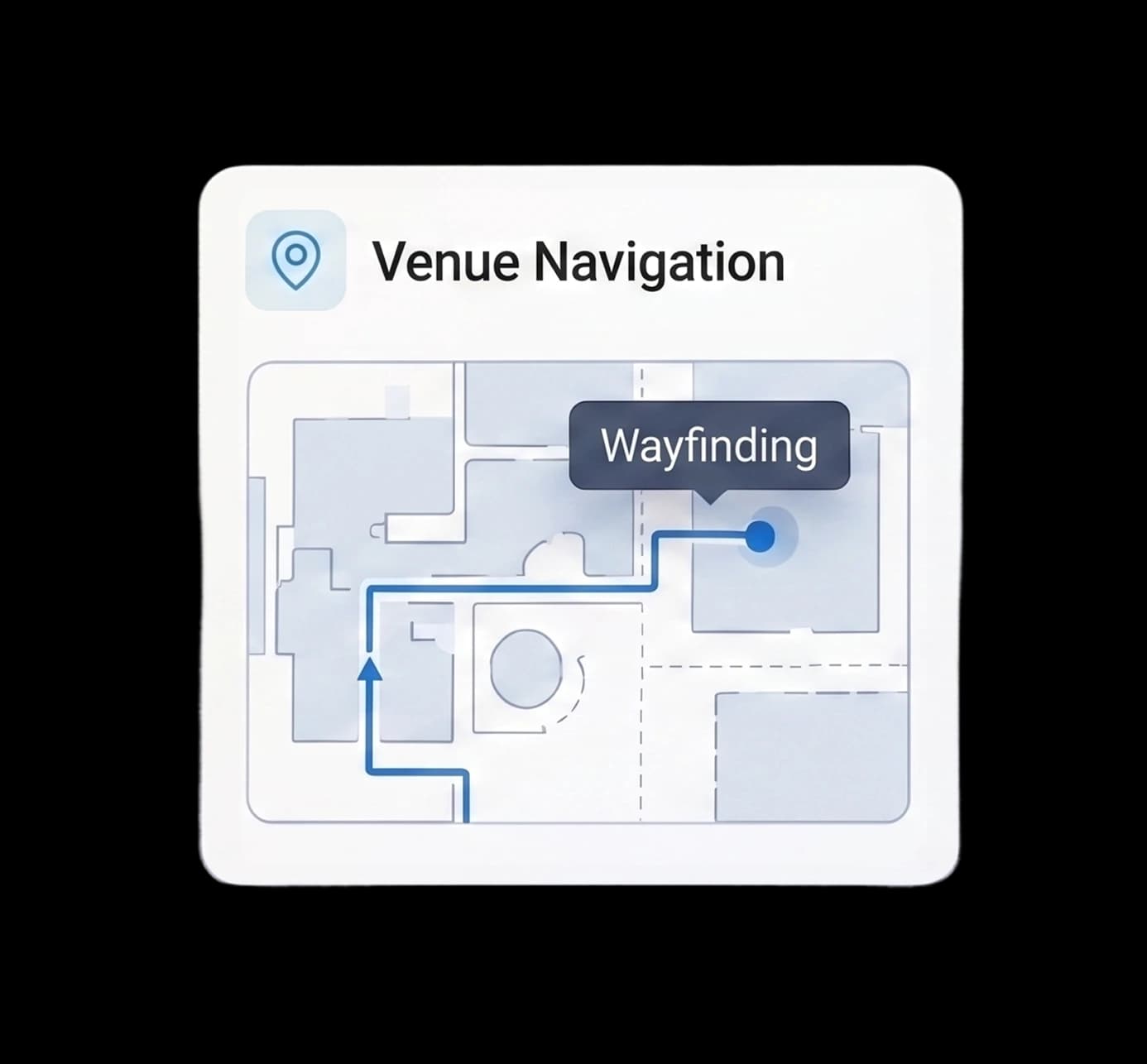
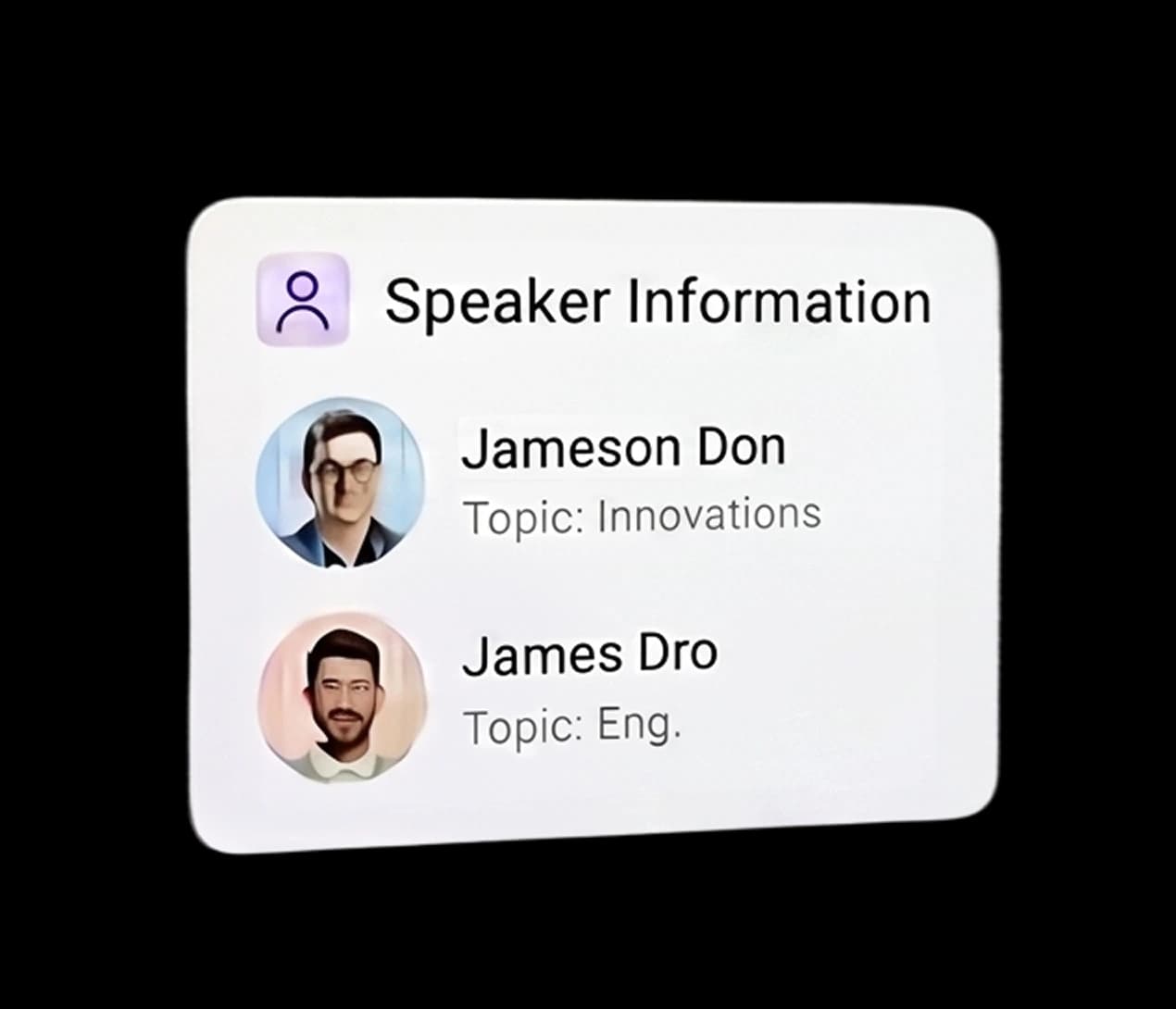
Event visitors often need quick answers about agenda, registration, parking, rooms, ticket access, speaker details, session recommendations, food options, accessibility, and last-minute changes.
When does registration open?
Where is the main stage?
Which sessions are best for product teams?
Can I still buy a ticket?
Where can I find speaker info?
Is parking available?
Event support
One assistant for the questions around your event
Schedule guidance
What is happening, when, and where.
Speaker and session info
Speakers, topics, panels, and session details.
Tickets and registration
Ticket types, check-in, QR codes, and access rules.
Venue and logistics
Location, parking, entrances, accessibility, and food.
Sponsor discovery
Sponsor info, booth locations, links, and offers.
Human handoff
Knows when to direct visitors to your team.


Use cases
Designed for real attendee questions
Use case
Agenda Planning
Use case
Registration Support
Registration opens at 08:30
Use case
Venue Logistics
Nearest parking
5-minute walk
Real example · Unlock Rab 2026
How Niro helped visitors at Unlock Rab
We analyzed real conversations from the Unlock Rab website between 09.05. and 08.06.2026. Visitors asked about the program, locations, tickets, lunch, the after party, materials and photos.
Data from the Unlock Rab Niro chat · 09.05.–08.06.2026.
View the Unlock Rab showcaseReal implementation
Unlock Rab 2026
Niro helped visitors find information before, during and after the event.
- Event website assistant
- 09.05.–08.06.2026.
- Program, locations, tickets and materials

Real conversation
Example questions from the Unlock Rab website
- Visitor: When does registration open and where do I pick up my badge? Niro: Registration opens at 8:00 at Hotel Imperial. You can pick up your badge at the registration desk with your booking confirmation.
- Visitor: Is lunch included? Niro: Lunch is not included in the ticket price. The schedule has a 90 minute break during which attendees choose where to eat in the Old Town of Rab.
- Visitor: Where can I find photos? Niro: Photos from this year's conference are available through a public Google Drive folder, and video highlights will be posted on social media.
Most common visitor questions
The questions visitors repeated most before and during the event.
What it meant for the organizers
Event lifecycle
Useful before, during, and after the event
Niro helps attendees find the right information at every stage of the event.


Why Niro
Not a chatbot your team has to
configure alone
Most chatbot tools give you a widget and leave the setup to you. Niro is delivered as a managed service. We prepare the knowledge base, configure the assistant, test the answers, and keep it aligned with your content.
DIY setup
Expert-led setup
Requires manual training
Uses approved event content
Often gives vague answers
Tested before launch
Hard to control
Matches your brand tone
Another tool to maintain
Maintained by our team

How it works
From event content to live assistant
Share your event materials. We handle the setup, testing, and launch.
Share your event content
Send us your website, agenda, FAQ, speaker list, venue details, sponsor info, or internal docs.
We configure Niro
We clean the content, structure the knowledge base, and define how the assistant should behave.
- 1Content review
- 2Knowledge base
- 3Assistant setup
We test common questions
We check answers for accuracy before the assistant goes live.
You launch it on your event site
Niro is added to your website and ready to help attendees.
Setup
Niro is assembled around how your team works
We don't start from a list of features, but from where your visitors come, what they ask, and what your team most often has to handle manually. Based on that, we suggest the simplest setup that makes sense for your case.
Core Assistant
For routine questions and basic support
Niro answers from your approved content and handles the most common questions about services, appointments, locations, prices and working hours.
Best for
Websites with repetitive questions and clear information visitors often look for.
Core + one module
For the biggest bottleneck in your process
We add one concrete module, for example booking, inquiry qualification, availability, price calculation or lead routing, depending on where the most time is lost.
Best for
Teams that already know where their biggest load comes from.
Standard+ setup
For more complex processes and multi-step journeys
We combine Core with several modules when the user needs to go through multiple steps: question, qualification, booking, follow-up or routing to the right person.
Best for
Larger teams, multiple locations, multiple languages, or processes where clear control and conversation oversight matter.
We define the exact setup after a short review of your website and how you currently handle inquiries.
Request a setup assessmentFAQ
Frequently asked questions
Niro answers only from content you approve, your event's program, schedule, locations and instructions. It never invents information beyond that source.
Niro uses your updated content, so after a change it answers based on the latest schedule and information.
No. Niro is set up and maintained by our team, we prepare the knowledge base, configure the assistant, and test the answers before the event.
Yes. Niro can answer attendees in multiple languages, depending on your event's content and needs.
Yes. Niro is available around the clock and handles the most common attendee questions before, during and after the event.
Get a demo
Want to see Niro on your event website?
Send us your event URL, agenda, or basic event details and we can prepare a tailored demo.